
Fill, sign and fix any PDF.

Change words already on the page, fill in forms, sign, redact and scan paper, right in your browser. Your files are never uploaded.

Runs on your device. Works offline once it has loaded.

Everything you open a PDF editor for

Works with the PDFs you already have: rental applications, contracts, scanned letters, school paperwork.

Fill out forms and sign

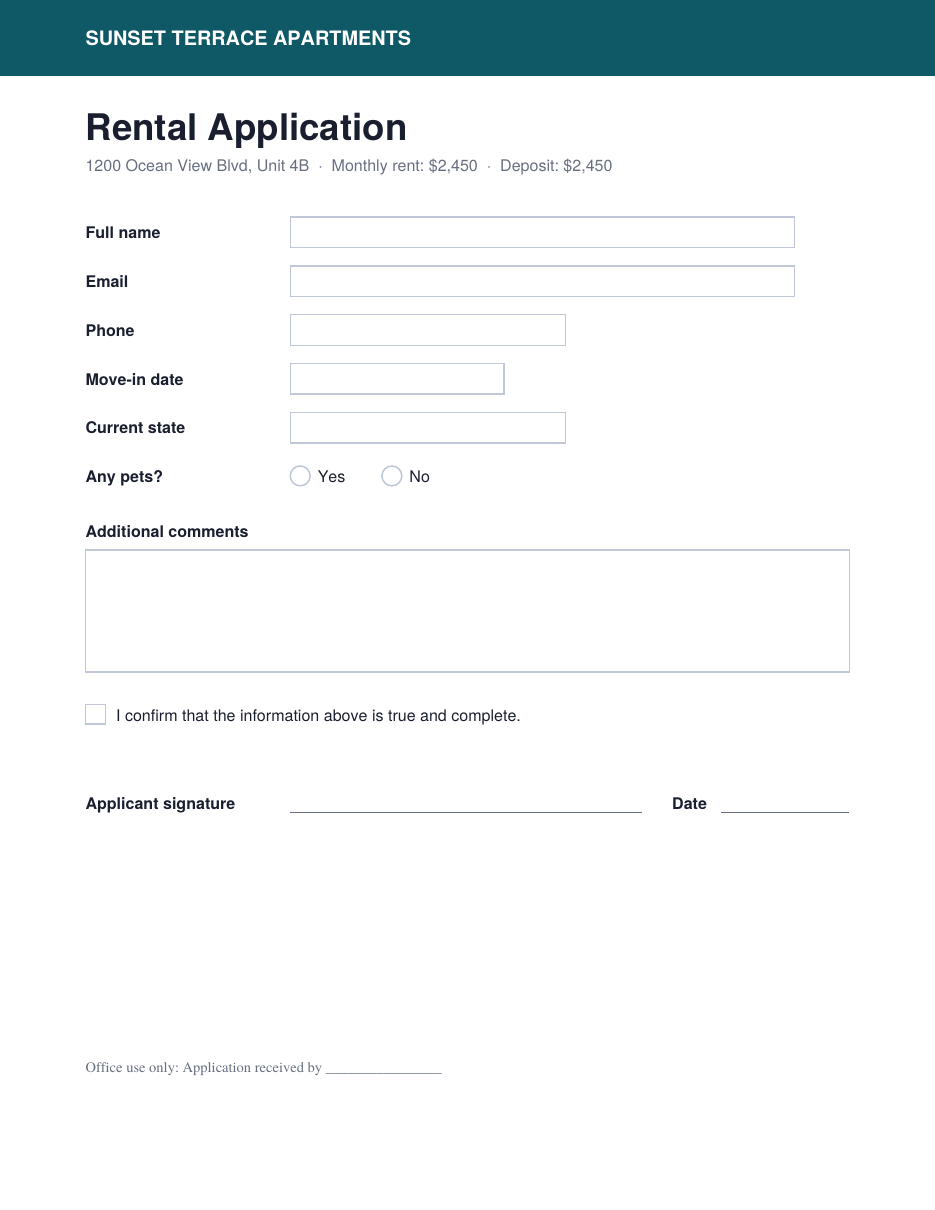
Type straight into fillable fields: text, checkboxes, radio buttons, dropdowns and lists. You can lock the answers when you download.

  • No fillable fields? Tap near a blank line and your text lands on it, sized to fit.
  • Draw, type or reuse a saved signature.

Change the text that's already there

Click any paragraph or line to replace it. It re-wraps as you type and matches the original size, weight, color and font style.

  • If an edit runs longer than the original, you can shrink it to fit or shorten it with AI.
  • Accents, Greek, Cyrillic, Chinese, Japanese, Korean, Arabic, Hebrew, Hindi, Thai and emoji are all saved correctly.

Redact for real

Draw redaction boxes, or redact every match from a search. When you download, the content under them is permanently removed from the file, not just covered up.

Organize pages

Reorder, rotate, delete, duplicate and insert blank pages. Merge PDFs, add images as pages, extract pages or split a file into several PDFs. Add page numbers and a watermark.

Scan paper and read scanned pages

Photograph a paper document. The page is found, straightened and cleaned up, then made into a PDF or added to the one you have open.

  • Text in scanned pages is read on your device, so you can edit and search it. English works offline, and 15 more languages download once.

Mark up and comment

Add text, whiteout, highlights, freehand drawing, boxes, circles, lines, arrows, checkmarks, dates and images. Sticky-note comments are saved as real PDF comments, so they show up in Acrobat, Preview and other readers.

Edit with AI, using your own key

Describe changes in plain words, auto-fill a form from your details, rewrite any text box or redact personal info. You see every change before it's applied.

  • Works with Claude, OpenRouter, OpenAI, Google Gemini or any OpenAI-compatible service.
  • AI is optional. Everything else works without it.

How it works

  1. Open a PDF

    Choose a file, drop it in the window, or scan paper with your camera.

  2. Make your changes

    Your work, including undo history, is saved in your browser as you go. Pick up recent files where you left off.

  3. Download or share

    Save as a PDF, a smaller PDF, or PNG or JPG images, for all pages or just the ones you pick. Or print it or send it straight to another app.

Open the editor

Your files stay on your device

Nothing is uploaded. The editor runs entirely in your browser. Your PDFs are opened, edited and saved on your own phone or computer.

Nothing loads from other sites. All libraries and fonts come with the editor. The one exception is extra languages for reading scanned pages, which download once.

AI only when you ask for it. Requests go straight from your browser to the provider you pick, and your key is stored only in your browser. When you use AI, the document's text is sent to that provider.

Use it on any device

It runs in your browser. Install it to open it like an app, even offline.

Computer
In Chrome or Edge, use the Install button. Once installed, it can open PDFs straight from your computer.
iPhone and iPad
In Safari, tap Share, then Add to Home Screen.
Phones and tablets
Pinch or double-tap to zoom, and use two fingers to move around while drawing. Swiping never drops text or stamps by accident.
Android app
A version with everything built in, so it works offline from the first launch. It saves to Downloads, opens PDFs from other apps and keeps itself up to date.

Good to know

A few things work differently from a desktop PDF suite.

  • Edited text doesn't push the rest of the page down. Shrink it to fit, shorten it, or narrow the box.
  • A page with a redaction is saved as an image, because that's how the content is truly removed. Text on that page can't be selected afterward.
  • Password-protected or damaged PDFs open fine, but they're saved as page images with your edits on top.
  • Reading scanned pages works best with clear, well-lit scans.

Got a PDF to fix?

Open the editor